Wired connections offer straightforward and reliable access to audio. Plugging in gives you the high quality sound you need to hear people, music, movies, and news. It is cleaner and stronger audio than sound from speakers that are across the room. It also lets you split audio when you need to use it in more than one way at the same time. For example, to transmit sound (stream) to hearing aids and use a speech-to-text app at the same time. Some people are more comfortable with wired audio connections. Other people don’t have wireless capabilities. The main disadvantage is that it keeps you tethered to devices.
AUDIO OUT and AUDIO IN
For a wired audio connection, your goal is to send sound from a device to your ears. To do so, you take AUDIO OUT from a device and send AUDIO IN to some kind of “listening system”.
- AUDIO OUT – the device you want to listen to:
- phone, computer, tv, music player, etc.
- AUDIO IN – the device that helps you listen. This is part of a “listening system”:
- a headset, headphones, earbuds, TV connector base station, a remote mic charging station, a TV transmitter, a hearing aid streamer, a remote mic with a headphone jack, an induction neckloop, etc.
To tap into audio, you need to:
- first locate the jacks on the AUDIO OUT device
- next, investigate the jacks and plugs used by your “listening system”
- lastly, find the correct plugs and adapters to connect one to the other.
It’s simple if you keep a few things in mind about compatibility…
Jacks and Plugs
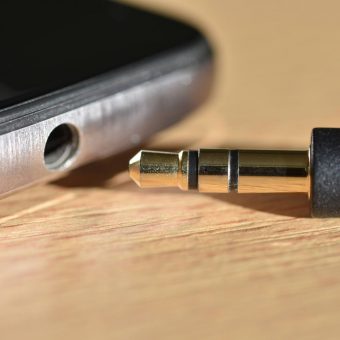
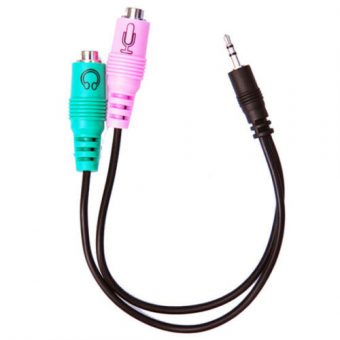
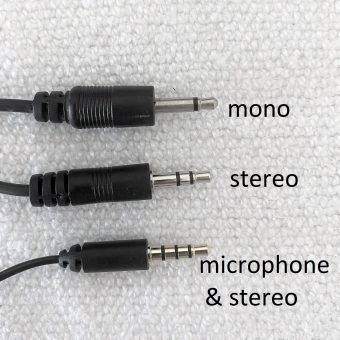
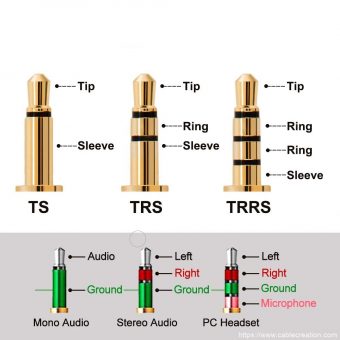
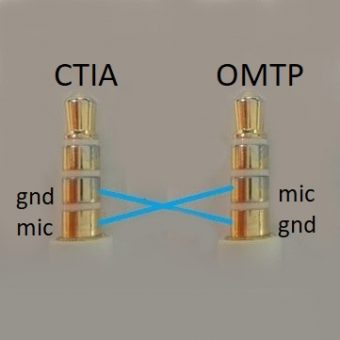
A plug and a jack, or socket, are like two interconnecting puzzle pieces. They need to line up with each other to make an electrical connection. With wired audio connections, sometimes there is a compatibility issue. Even when a plug fits into a jack, it may not have a compatible electrical connection. If you cannot hear sound as expected, consider the audio plug. There are slight differences that depend on use.
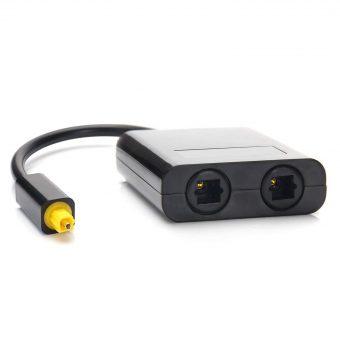
Splitters
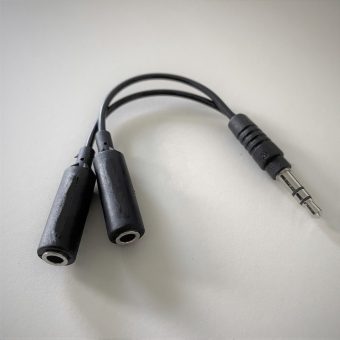
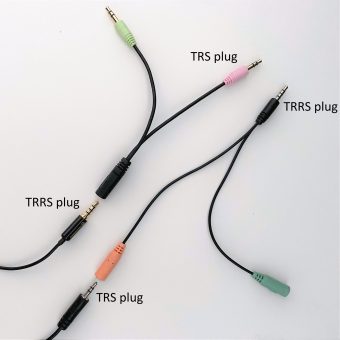
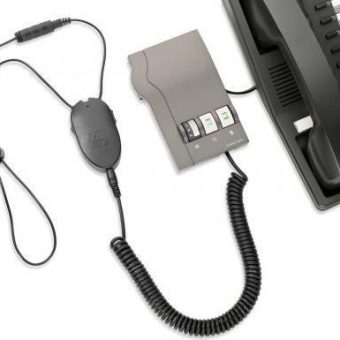
In the photo above, I used a splitter because I needed audio for more than one use. I plugged in a transmitter (a streamer) for audio straight to my hearing aids. In addition, I plugged in an external speaker for another person to listen in. That external speaker also provided audio for a speech-to-text app listening in on my mobile phone. Some people might call this “kludgy” and I’m okay with that.
Adapters
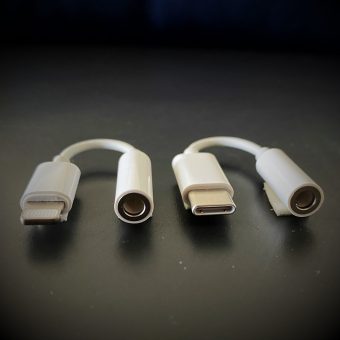
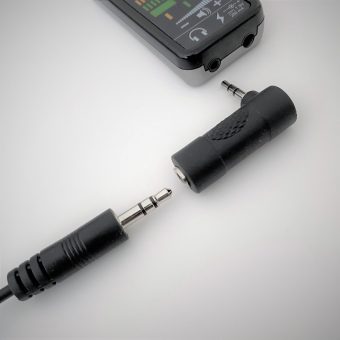
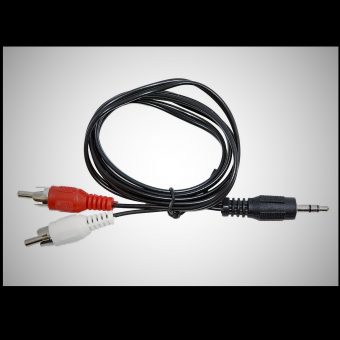
Sometimes the jacks and plugs on an AUDIO OUT device and “listening system” don’t fit together. In this situation, you need an adapter. An adapter is an interface. It has the correct jack or plug for the first device on one end and the correct jack or plug for the second device on the other end.
Scroll down for photos and brief descriptions of jacks, plugs and adapters:
- 3.5 mm (1/8″) audio jacks, plugs and adapters
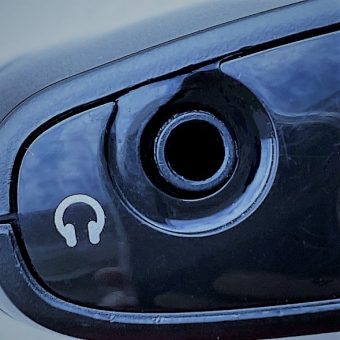
- On mobile devices, you may (or may not) have a 3.5 mm headset jack
- television connectors and adapters
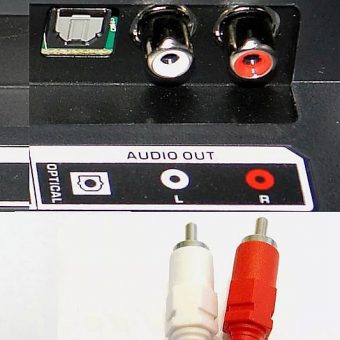
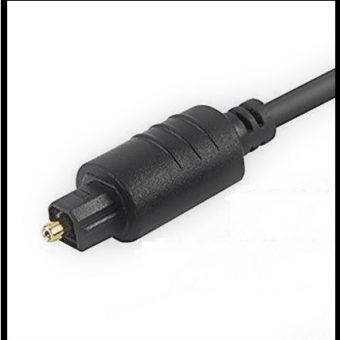
- On televisions, look for AUDIO OUT via optical (TOSLINK), RCA or 3.5 mm
- computer connectors and adapters
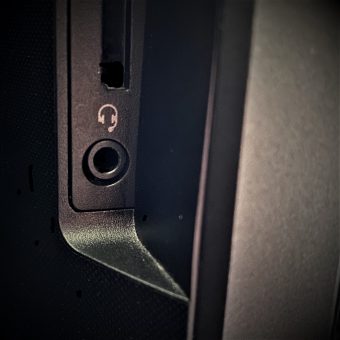
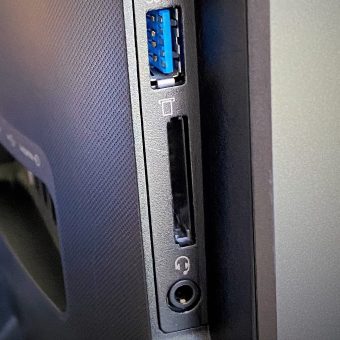
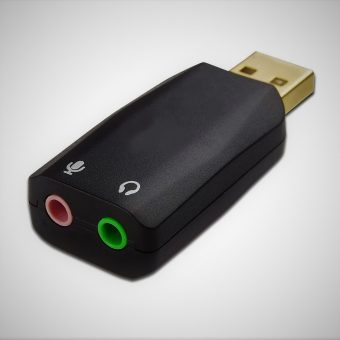
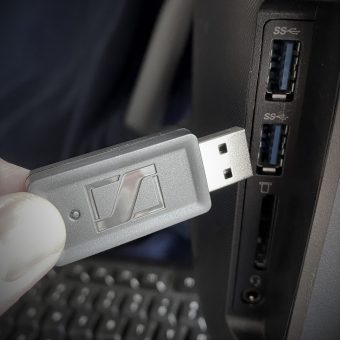
- On computers, laptops and tablets, audio ports include 3.5 mm jack and USB (sometimes others too)
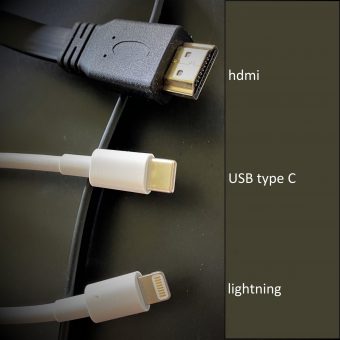
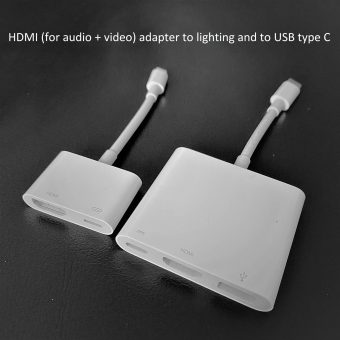
- HDMI audio & video connectors and adapters
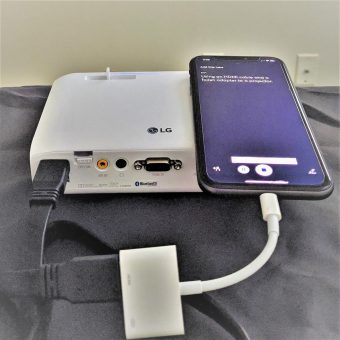
- On projectors and other devices displaying video
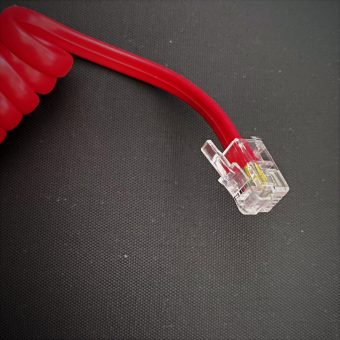
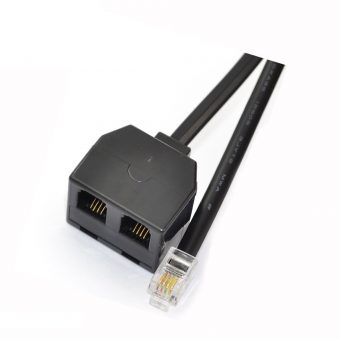
- landline phone connectors and adapters
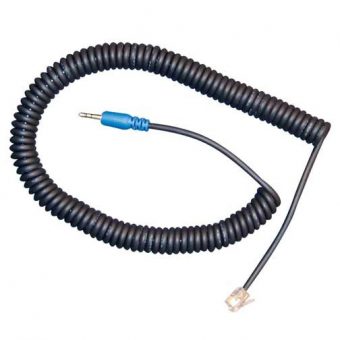
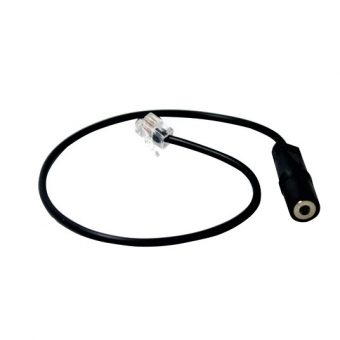
- Landline phones have an RJ9 socket and some have a headset jack